



Playzini Mobile App
The Playzini app provides mobile account access on smartphones and tablets. Our solution works as a Progressive Web App, keeps setup light and removes large downloads or manual update tasks. Members create the shortcut through a mobile browser and place the icon on the home screen for faster daily access. The Playzini Casino app keeps games, account tools and reward information in one mobile interface.
Platform security and every title remain accessible in the mobile casino through PWA technology. The Playzini app supports desktop access through compatible browsers and gives members one connected setup across mobile and computer sessions. Our software occupies nearly 12 MB of storage, so the build stays lightweight for regular use. Cache optimization and home screen access improve session speed. This setup supports mobile gambling through a responsive interface built for handheld screens.



Device Compatibility
Our solution supports multiple operating systems through direct browser integration. The table below shows how members set up the utility on each platform:
| Platform | Installation Method | Storage Impact | Update Process | Key Advantage |
| iOS, iPhone and iPad | PWA via Safari | Minimal footprint because resources load upon request | Automatic server-side updates | Face ID and Touch ID support |
| Android | PWA via Chrome | Low memory usage with no heavy software package | Automatic server-side updates | Direct browser setup |
| Windows | Browser-based setup | Low impact because the utility runs through the browser | Automatic server-side updates | Consistent behavior across Windows versions |
| Mac | Browser-based setup | Low impact because the utility runs through the browser | Automatic server-side updates | Safari support for desktop access |
The Playzini app keeps this setup consistent across screen sizes and adapts the interface to each device. Mobile users get compact menus and touch controls. Desktop users get a wider layout for longer sessions.
Android App and iOS App Setup
The setup follows a similar path on Android and iOS systems. Members start the process inside a mobile browser, including Chrome or Safari. The Playzini app download process stays direct because members create the shortcut through the Playzini website. Our team manages the software on the server side to maintain stable code, current content and accurate account data.
The Android app setup works through Chrome. The iOS app setup works through Safari. Both versions use the same account structure, so members recognize the layout during the first session. This architecture keeps mobile access close to the desktop platform and adapts menus, controls and game pages to smaller screens.
Availability of the Playzini APK
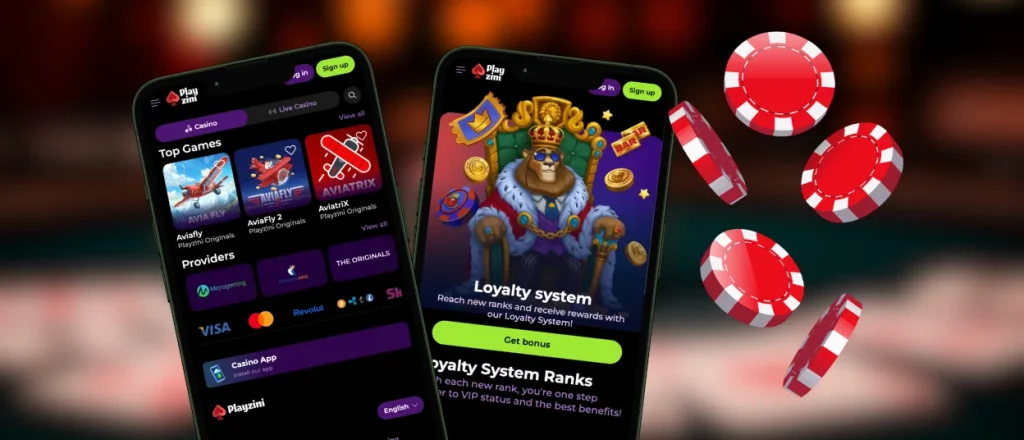
The Playzini APK guidance uses the browser-based PWA model, so members set up the shortcut from the official domain instead of managing an APK file manually. Our team uses progressive web app technology as the primary mobile format because it supports automatic updates, low storage use and flexible access across operating systems.
The Play Zini app format keeps installation simple for members who switch between devices. Browser-based setup keeps account access consistent because our servers connect the same profile, balance and history across supported hardware.
Steps for Playzini App Installation
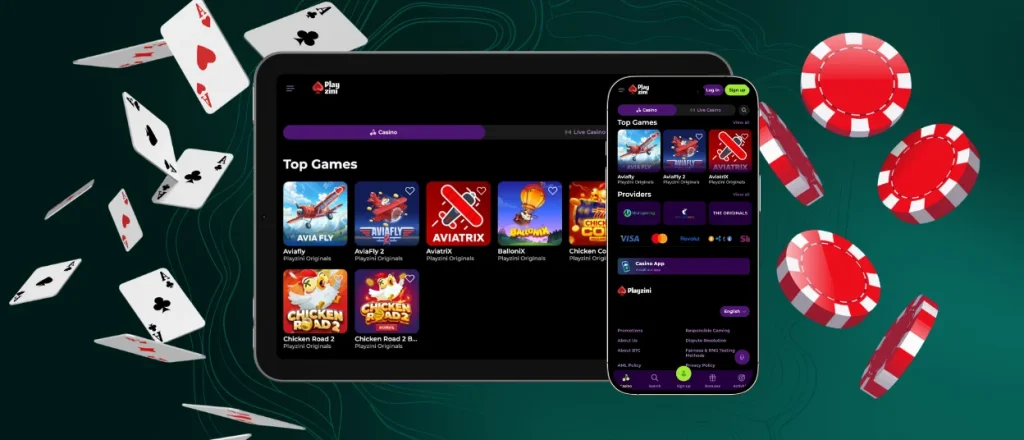
The setup process follows a short browser-based path and does not require a store download or a separate installation file.
- Access our official site through any mobile browser.
- Locate the menu button and tap the setup option.
- Pick Add to Home Screen and name the software shortcut.
- Confirm the installation and wait for the icon to appear on the screen.
The Playzini download app process leads to the optimized version of our platform. After setup, the Playzini app opens from the home screen and gives members access to mobile slots, mobile betting and profile settings. The shortcut keeps the lobby close to the main screen without extra browser steps.
Desktop Gaming at Playzini
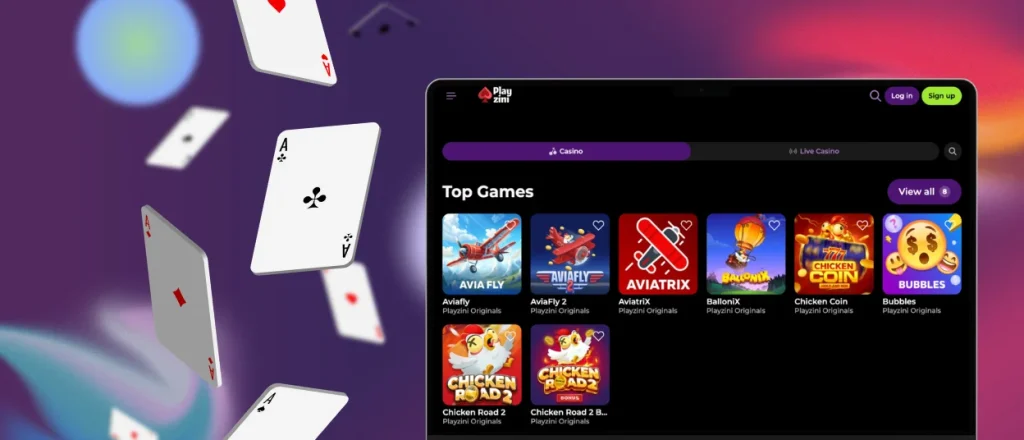
Desktop hardware running macOS or Windows supports the same browser-based utility. Users locate the installation icon inside the browser address bar and confirm the action to place the Playzini app on the desktop or taskbar. This format creates a dedicated window for the platform and keeps the lobby separate from regular browser tabs.
The desktop version suits longer sessions because it provides more screen space for navigation, payment tools and account sections. Our team publishes library updates on the desktop version when new content goes live. The Playzini app keeps profile access consistent across desktop and mobile sessions.
Platform Security and Standards
Cloud technology stores balance details, profile history and session activity. This architecture keeps progress independent of a single device and synchronizes account information across supported hardware.
TLS 1.3 protocols with high-level encryption protect data during interaction between the device and our central servers. We use 2FA and tokenization of financial data to maintain a secure environment. The Play Zini app structure keeps security standards aligned across mobile and desktop access. The mobile version uses the same protected account system for payment tools, profile settings and document uploads.
FAQ
Do help desk specialists operate inside the mobile version?
Support staff operate 24/7 inside the Playzini app. Members tap the help icon to open live chat and contact our team directly. Email support handles detailed account or technical questions.
Does the balance update in real time?
Our servers handle transactions and balance changes during active sessions. Funds and wagering records synchronize across authorized devices, which supports movement between desktop and mobile access.
How does a PWA differ from a regular app?
Traditional applications depend on a specific operating system and store-based update process. Our PWA build installs through the browser, updates automatically and uses minimal memory. This format allows the Playzini app to work across supported platforms from one connected setup.
Does the mobile version support sports betting?
Yes, sports betting works in the mobile version. Members open sports markets, check odds and manage betting activity from the same account they use on desktop. The home screen shortcut makes access faster, so members do not need a separate sportsbook application.


